

Achieving the Top Spot on Google My Business: Step-by-Step Practical Guide
Introduction: The Importance of Ranking on Google My Business
Local visibility is determined by Google My Business, which is critically important according to Google’s official Business Profile guidelines.
When businesses rank higher, potential customers have higher levels of credibility and are more prone to call or visit.
What Exactly is Google My Business?
Google My Business, or now more appropriately Google Business Profile, governs how businesses show up on Google Search and Maps.
Business listings are able to be managed and updated from the Google Business Profile dashboard.
Important Note Before You Begin
There are no tricks or shortcuts to the Google My Business ranking.
Google’s SEO Starter Guide talks about trust, accuracy, and consistency.
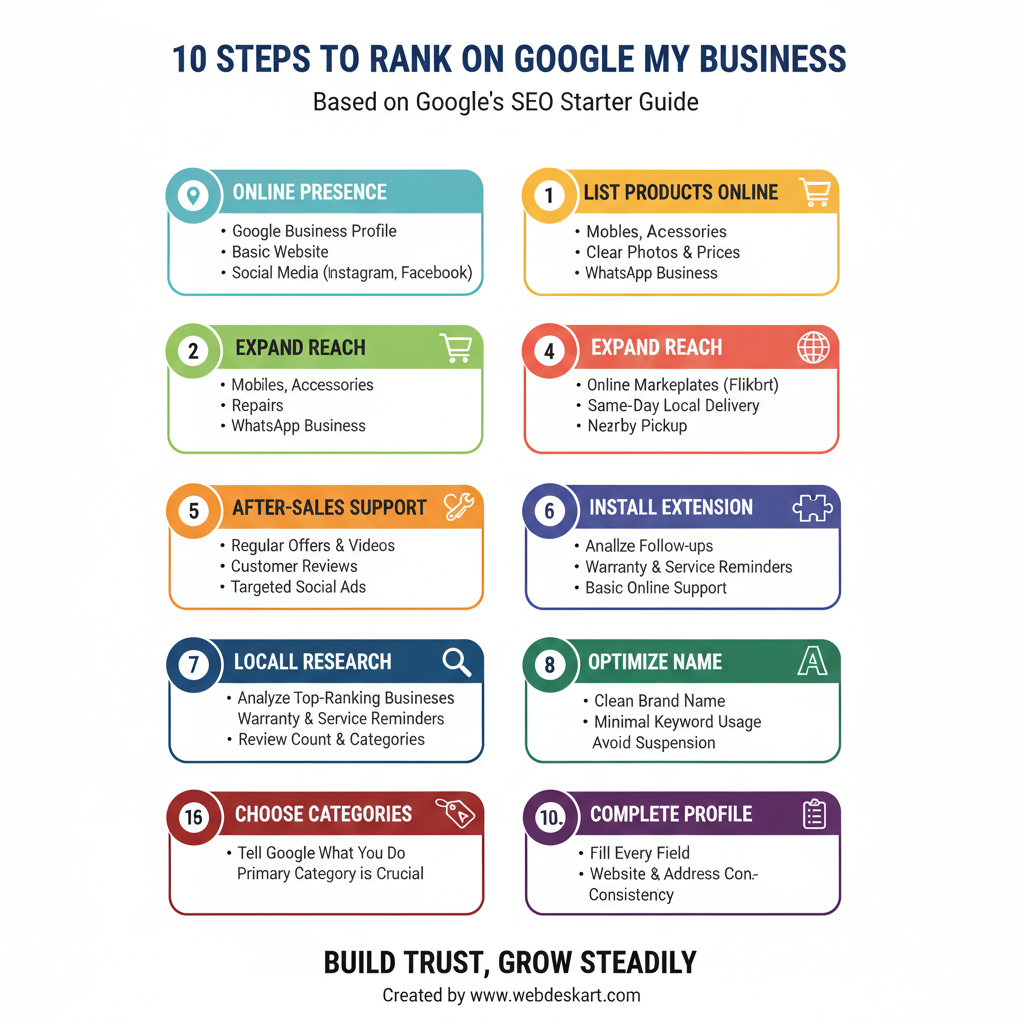
Step 1: Install the GMB Everywhere Chrome Extension
The first step is installing the GMB Everywhere Chrome extension to simplify competitor research.
This tool, available from GMB Everywhere, provides insights directly inside Google Maps.
Why Research Comes First
Many people rush into editing their profile without understanding competition.
Research-based approaches, like those explained in this Google My Business guide, help you avoid costly mistakes.
Step 2: Do Local Competitor Research
Search your main keyword and analyze top-ranking businesses on Google Maps.
Understanding review count and category usage sets realistic expectations.
Understanding Competition With Real Data
If competitors have hundreds of reviews, ranking without similar effort is unrealistic.
Many studies, including insights shared by local SEO research platforms, highlight reviews as a major factor.
Step 3: Optimize Your Business Name Carefully
Your business name strongly influences relevance, but over-optimization can lead to suspension.
Experts recommend using a clean brand name with minimal keyword usage.
Step 4: Choose the Right Categories
Categories tell Google exactly what your business does.
According to research on Google Business Profile fields, choosing the correct primary category is crucial.
Mid Note
Note: Never add categories for services you do not provide. This weakens trust and may violate guidelines.
Step 5: Write a Strong Business Description
Your description helps Google understand your relevance to search queries.
Clear, natural language works better than keyword stuffing.
Ideal Description Length
A short, focused description is easier for users to read.
Fifty to seventy words is generally enough.
Step 6: Complete Every Profile Field
Profile completeness improves credibility and ranking potential.
Studies on Google Business Profile ranking factors show strong correlation with filled fields.
Website and Address Consistency
Your website should display the same address and contact details as your profile.
Consistency helps Google verify your business location.
Step 7: Add Genuine Business Photos
Real photos improve trust and engagement.
They also help customers recognize your business offline.
Step 8: Post Regular Updates
You do not need to post daily.
One post per week keeps your profile active and fresh.
Step 9: Add Products and Services
List only the services you genuinely offer.
Accurate listings help users make quick decisions.
Step 10: Add Booking or Appointment Links
If your business accepts appointments, adding a booking link improves conversions.
This is especially helpful for service-based businesses.
Reviews: The Biggest Ranking Factor
Reviews influence both rankings and customer trust.
Platforms like local marketing research blogs consistently highlight their importance.
How to Get Reviews Safely
Ask real customers politely after providing service.
Avoid fake or bulk reviews at all costs.
Review Growth Note
Note: Gradual review growth looks natural and safe.
Sudden spikes can trigger review removal or listing issues.
Using Keywords Inside Reviews
Reviews should sound natural and genuine.
Keywords should appear organically, not forcefully.
Always Reply to Reviews
Replying to reviews shows customer care.
It also signals profile activity to Google.
Step 11: Build Local Citations
Local citations help confirm your business identity.
They support your profile’s authority over time.
Why Local Citations Matter
Citations act as trust signals across the web.
They complement reviews and on-profile optimization.
Step 12: Embed Google Maps on Your Website
Embedding your map on your website strengthens local relevance.
This small step helps Google connect your site and profile.
Step 13: Track Your Local Rankings
Tracking rankings helps you understand real visibility.
You can use tools like local rank tracking platforms or guides such as ranking check tutorials.
Final Truth About Ranking #1
You do not need dozens of hacks.
Profile optimization, reviews, and citations do most of the work.
Final Encouragement
Local SEO rewards patience and consistency.
If you follow these steps steadily, reaching the top is achievable.
Comments (0)